
How To Use Apple Watch For Heart Rate: A Comprehensive Guide for Aucklanders
In today’s fast-paced world, staying on top of your health is more crucial than ever. For Auckland’s mobile professionals and the vibrant silver economy, the Apple Watch isn’t just a gadget; it’s a powerful ally in personal wellness. One of its most vital functions? Precise and continuous heart rate monitoring.
Whether you’re managing stress between meetings, optimizing your daily walk around the waterfront, or simply gaining peace of mind about your cardiovascular health, understanding how to effectively use your Apple Watch for heart rate tracking can transform your wellness journey. Let’s unlock its full potential together.
Understanding Your Heart Rate with Apple Watch
The Apple Watch is equipped with advanced optical heart sensors that can measure your heart rate in various ways: continuously throughout the day, during workouts, and on demand. For anyone keen on proactive health management, this data provides invaluable insights into your cardiovascular well-being.
It’s not just about counting beats; it’s about understanding patterns. High or low heart rate notifications, irregular rhythm alerts, and resting heart rate trends can all paint a picture of your overall health, helping you make informed decisions about your lifestyle and when to seek professional advice.
Stat Callout:
Did you know that studies suggest regular self-monitoring of vital signs, including heart rate, can lead to a significant increase in health awareness and a proactive approach to managing chronic conditions? For many, this translates to better control over conditions like hypertension or even early detection of potential issues.

Step-by-Step: Monitoring Your Heart Rate with Apple Watch
Using your Apple Watch for heart rate tracking is intuitive, but knowing the precise steps ensures you’re getting the most accurate and useful data.
1. Enable Heart Rate Monitoring
- Ensure Wrist Detection is On: Go to the Apple Watch app on your iPhone. Tap My Watch > Passcode, and make sure Wrist Detection is toggled on. This is crucial for accurate readings and notifications.
- Check Heart Rate Privacy Settings: On your iPhone, open the Health app > Browse > Heart > Heart Rate. Scroll down to Data Sources & Access and ensure your Apple Watch is listed and enabled to write data.
- Wear it Correctly: For best results, wear your Apple Watch snugly on the top of your wrist. It shouldn’t be too tight or too loose, allowing the sensors to maintain contact with your skin.
2. Use the Heart Rate App for On-Demand Readings
- Open the App: From your Apple Watch’s app screen (press the Digital Crown), tap the Heart Rate app icon (a red heart on a white background).
- Take a Reading: The watch will immediately begin measuring your current heart rate. Stay still for a few seconds for the most accurate result.
- Swipe Up for More: Swipe up within the app to see your Resting Rate, Walking Average, and historical data for the day.

3. Understand Different Readings & Notifications
- Resting Heart Rate: Measured when you’re still. A lower resting heart rate often indicates better cardiovascular fitness.
- Walking Average: Your average heart rate during casual walks.
- Workout Heart Rate: Monitored continuously during exercise to help you stay within target zones.
- High/Low Heart Rate Notifications: You can set custom thresholds in the Apple Watch app on your iPhone (under My Watch > Heart). If your heart rate exceeds or drops below these thresholds while you appear inactive, your watch will alert you.
- Irregular Rhythm Notifications: Apple Watch can check for signs of atrial fibrillation (AFib), a serious heart condition. Ensure this feature is enabled in the Health app (Browse > Heart > Irregular Rhythm Notifications).
4. Review Your Data in the Health App
- Open the Health App: On your iPhone, open the Health app.
- Navigate to Heart Data: Tap Browse > Heart. Here you’ll find comprehensive data for Heart Rate, ECG (if applicable), Irregular Rhythm Notifications, and more.
- Analyze Trends: View your heart rate data by day, week, month, or year. This allows you to spot trends, track progress, and share detailed information with your healthcare provider if needed.
Key Benefits for Auckland’s Silver Economy & Mobile Professionals
The utility of Apple Watch heart rate monitoring extends far beyond basic fitness tracking. For our specific Auckland audience, the advantages are tailored and impactful:
- Proactive Health Management for the Silver Economy: For older adults, continuous heart rate monitoring offers peace of mind. Early detection of potential cardiac issues, even subtle changes in rhythm, can lead to timely medical intervention, enhancing quality of life and longevity.
- Stress Reduction for Mobile Professionals: The high demands of a professional career in Auckland can take a toll. Tracking your resting heart rate and observing its fluctuations can highlight periods of stress, prompting you to take breaks, practice mindfulness, or engage in de-stressing activities.
- Optimized Fitness & Activity: Whether you’re power walking up Mount Eden, cycling along the Tamaki Drive, or attending a local gym class, using your Apple Watch to stay within optimal heart rate zones ensures you’re training effectively and safely, maximizing your fitness gains.
- Enhanced Peace of Mind: Knowing your heart is being monitored 24/7 by a reliable device can reduce anxiety, especially for those with pre-existing conditions or family histories of heart issues.
- Convenient Data Sharing with Healthcare Providers: The ability to easily share historical heart rate data from the Health app with your GP or specialist streamlines discussions about your health, leading to more informed medical advice.
“The Apple Watch has truly democratized health monitoring, putting powerful tools like heart rate tracking directly onto the wrists of everyday Aucklanders, empowering them to take charge of their well-being.”

Optimizing Your Apple Watch Heart Rate Experience
To ensure you’re getting the most accurate and useful data, consider these tips:
Action Checklist: Get the Best Heart Rate Data
- Keep Your Watch Updated: Always run the latest watchOS version for improved sensor performance and features.
- Ensure a Good Fit: A snug but comfortable fit prevents light from interfering with the sensors.
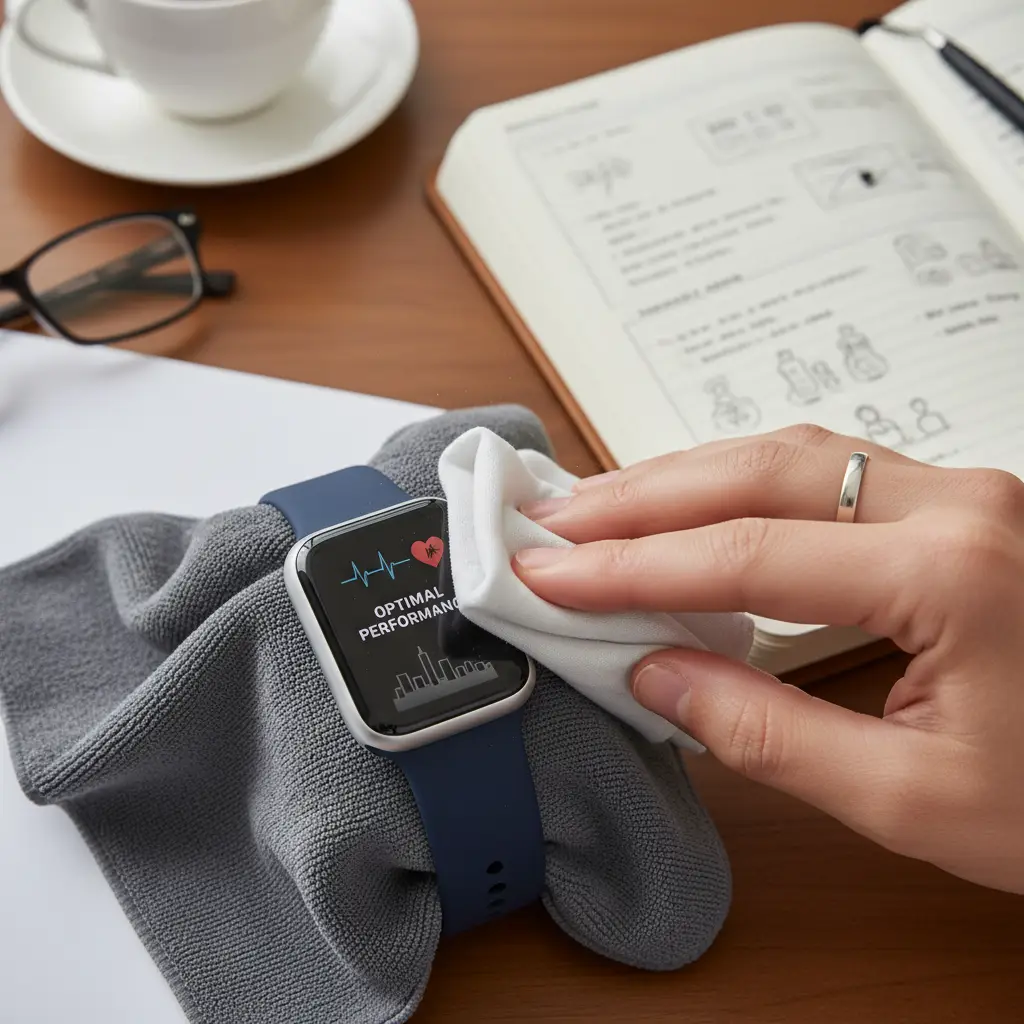
- Clean Your Watch Regularly: Sweat and dirt can impede sensor performance. Wipe the back of your watch and your wrist.
- Stay Hydrated: Dehydration can affect heart rate and the accuracy of readings.
- Understand Limitations: While highly accurate, Apple Watch is not a medical device. Always consult a healthcare professional for diagnosis and treatment.
- Charge Regularly: Consistent use, especially with continuous monitoring, requires regular charging to avoid data gaps.
Conclusion
Mastering how to use Apple Watch for heart rate monitoring is a significant step towards a more informed and proactive approach to your health. For Auckland’s silver economy and mobile professionals, this technology offers unparalleled convenience and critical insights, empowering you to better understand your body, manage stress, and optimize your fitness journey. For tailored advice on structuring your fitness journey around these metrics, consider looking into Specialized Personal Training Services.
Don’t let valuable health data go untapped. Start exploring the comprehensive heart rate features of your Apple Watch today, and take control of your wellness with confidence and clarity. Remember, optimizing your diet is just as crucial; explore the Best Diet Plans for Beginners NZ to complement your activity tracking.
Frequently Asked Questions (FAQ)
-
How accurate is Apple Watch heart rate monitoring?
Apple Watch heart rate monitoring is generally considered highly accurate for a consumer-grade device, especially for resting and workout heart rates. Studies have shown it performs comparably to traditional chest strap monitors for many activities. However, factors like movement, skin perfusion, and watch fit can affect accuracy.
-
What are normal heart rate ranges?
A normal resting heart rate for adults typically ranges from 60 to 100 beats per minute (bpm). Highly trained athletes may have a resting heart rate below 60 bpm. Maximum heart rates vary by age (roughly 220 minus your age). Always consult a doctor if you have concerns about your heart rate.
-
Can Apple Watch detect a heart attack?
No, the Apple Watch cannot detect a heart attack. It can, however, provide notifications for unusually high or low heart rates and irregular rhythms (indicative of conditions like AFib) that may suggest underlying heart conditions. If you experience symptoms of a heart attack, seek immediate medical attention.
-
How often should I check my heart rate?
Your Apple Watch continuously monitors your heart rate throughout the day, providing an excellent overview. You can check it on demand anytime you wish by opening the Heart Rate app. Regular review of your data in the Health app (daily or weekly) can help you understand trends and identify changes.
-
Is it safe to rely solely on Apple Watch for heart health?
While the Apple Watch is a powerful wellness tool, it is not a medical device and should not be used as a substitute for professional medical advice, diagnosis, or treatment. It provides helpful data and alerts, but any health concerns should always be discussed with a qualified healthcare provider.
References/Sources
- Apple Support. (n.d.). Monitor your heart rate with Apple Watch.
- American Heart Association. (n.d.). Understanding Your Heart Rate.
- Journal of the American Medical Association (JAMA) Cardiology. (2019). Accuracy of Wrist-Worn Heart Rate Monitors.
- Stanford Medicine. (2019). Apple Watch study detects irregular pulse consistent with AFib.

